Introduction
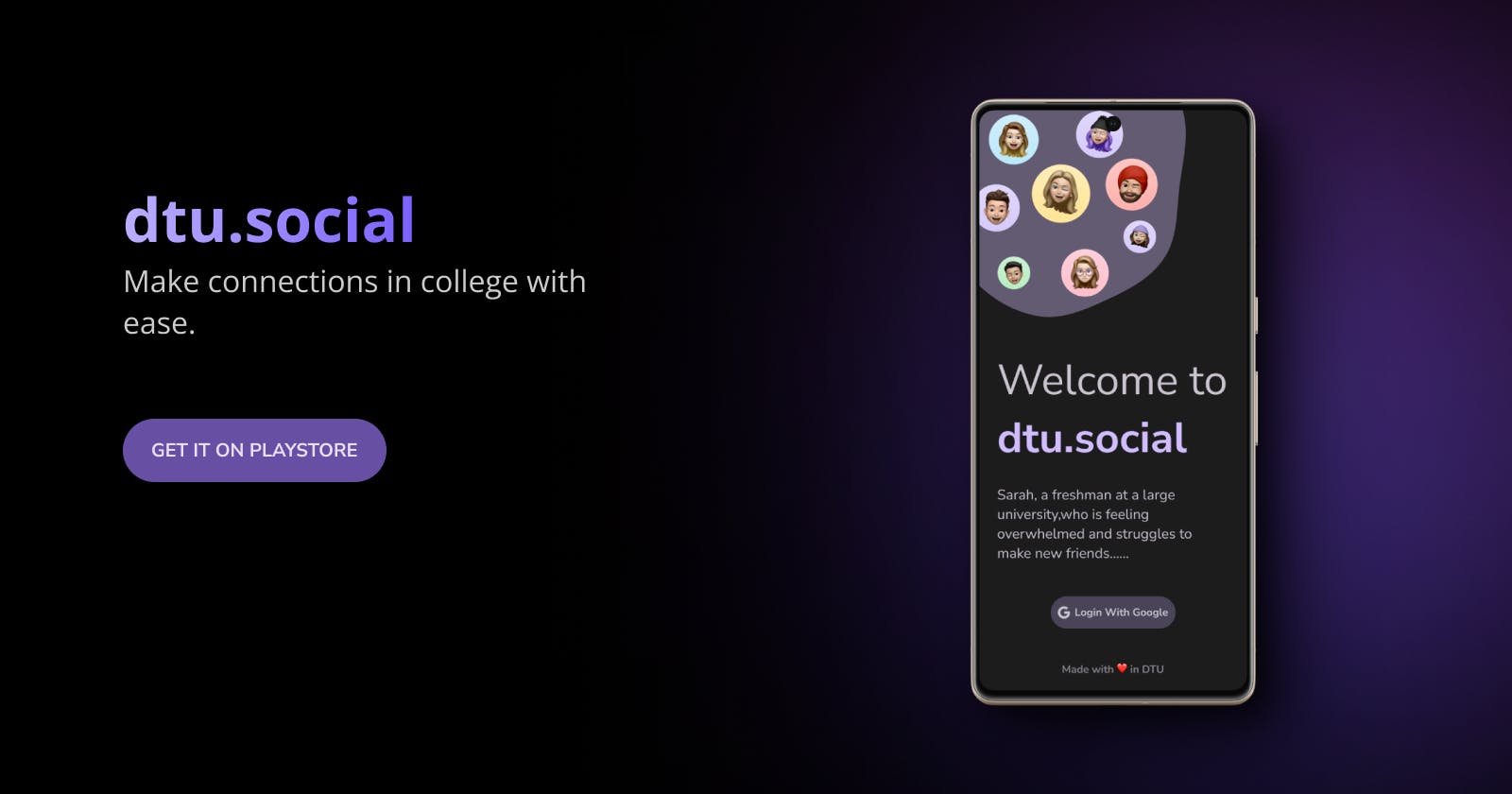
I am Ekaksh Janweja, a pre-final year student at Delhi Technological University, and together with my friend Aryan Sidhwani (trust me, he makes things work), I embarked on a journey to create dtu.social, a proximity chat app aimed at connecting students with similar interests and goals.
try it out
You can check out the app on the Play Store.
In this blog, I will walk you through the technical aspects of building this app and the challenges we faced along the way. Our motivation was to bridge the gap between students and foster a supportive community where individuals can seek mentorship, form lasting bonds, and grow together.
Choosing the Right Technologies
To ensure dtu.social could work seamlessly on Android, iOS, and the web, we opted for Flutter, a cross-platform development framework known for its efficiency and ease of use. Flutter's single codebase approach significantly sped up development, allowing us to target multiple platforms without rewriting the entire codebase.
For backend integration, Firebase emerged as the ideal choice. Its Backend-as-a-Service offerings and robust database (Cloud Firestore) provided the foundation for the app's real-time chat functionality. While alternatives like Appwrite and Supabase existed, we decided on Firebase due to its seamless integration with Flutter and our familiarity with it.
Flutter
cross-platform UI for Android, iOS, and web from a single codebase
Firebase
auth + Cloud Firestore for real-time chat
Riverpod
state management with first-class Future and Stream support
Geolocator
location tracking for proximity-based matching
Routemaster
centralized route definitions for navigation
MVC
clean separation of concerns
Riverpod — A Natural Choice for State Management
Choosing the right state management solution was crucial for a smooth user experience. We narrowed our options to Riverpod and Provider, both popular choices in the Flutter community. Eventually, Riverpod became the clear winner. Its built-in support for Futures and Streams via FutureProvider and StreamProvider eased handling of asynchronous data, ensuring smooth real-time updates within the app.
ref.watch(provider).when(
  data: (data) => Center(child: Text(data.toString())),
  error: (error, stackTrace) => Text(error.toString()),
  loading: () => const Center(child: CircularProgressIndicator()),
);
Location Tracking with Geolocator
To implement the app's proximity chat functionality, we needed to track users' current locations accurately. Geolocator helped by enabling us to retrieve location data and update it in Cloud Firestore efficiently. This allowed us to connect users based on their physical proximity.
Adopting the MVC Pattern
Simplicity was key in our app's design, and the Model-View-Controller (MVC) pattern perfectly aligned with our development philosophy. Its clear separation of concerns made the codebase easier to manage, allowing us to focus on specific components independently.
Routing with Routemaster
To handle navigation effectively, we adopted Routemaster. This library simplified route management by allowing us to define all routes in a single file. With Routemaster, navigation logic stayed organized and maintainable, even as the app's complexity grew.
The Challenges we faced
Lastly,
I would be grateful if you guys try to use this app and drop me feedback on twitter @ekaksh_janweja. And Aryan — let's build even more projects together.